
Mechanic Job
🕐 Step 1 - Clock On
Before starting:
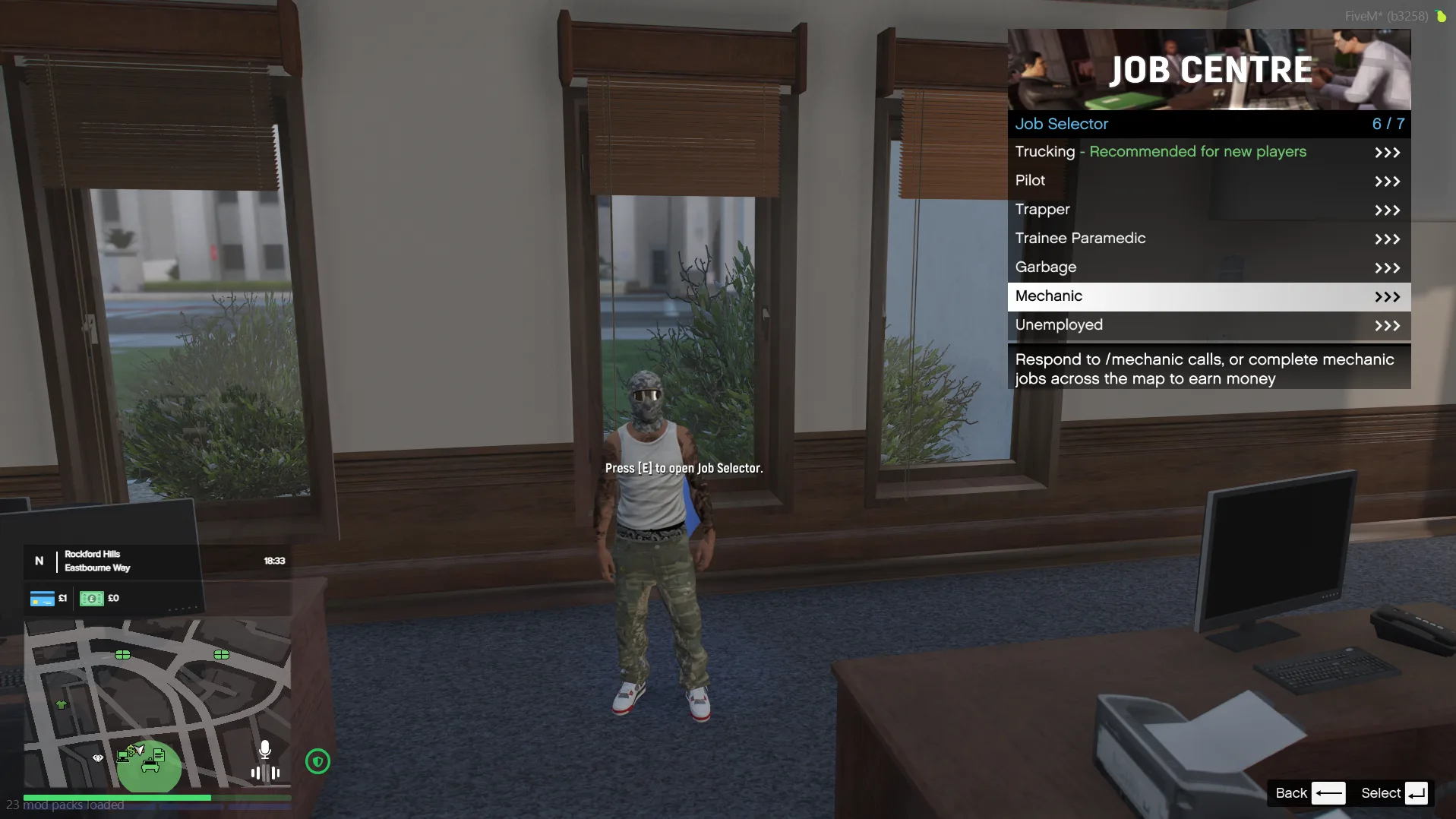
- Go to City Hall
- Select the Mechanic job
- Click Clock On
🚚 Step 2 - Get Your Tow Truck
Once clocked on:
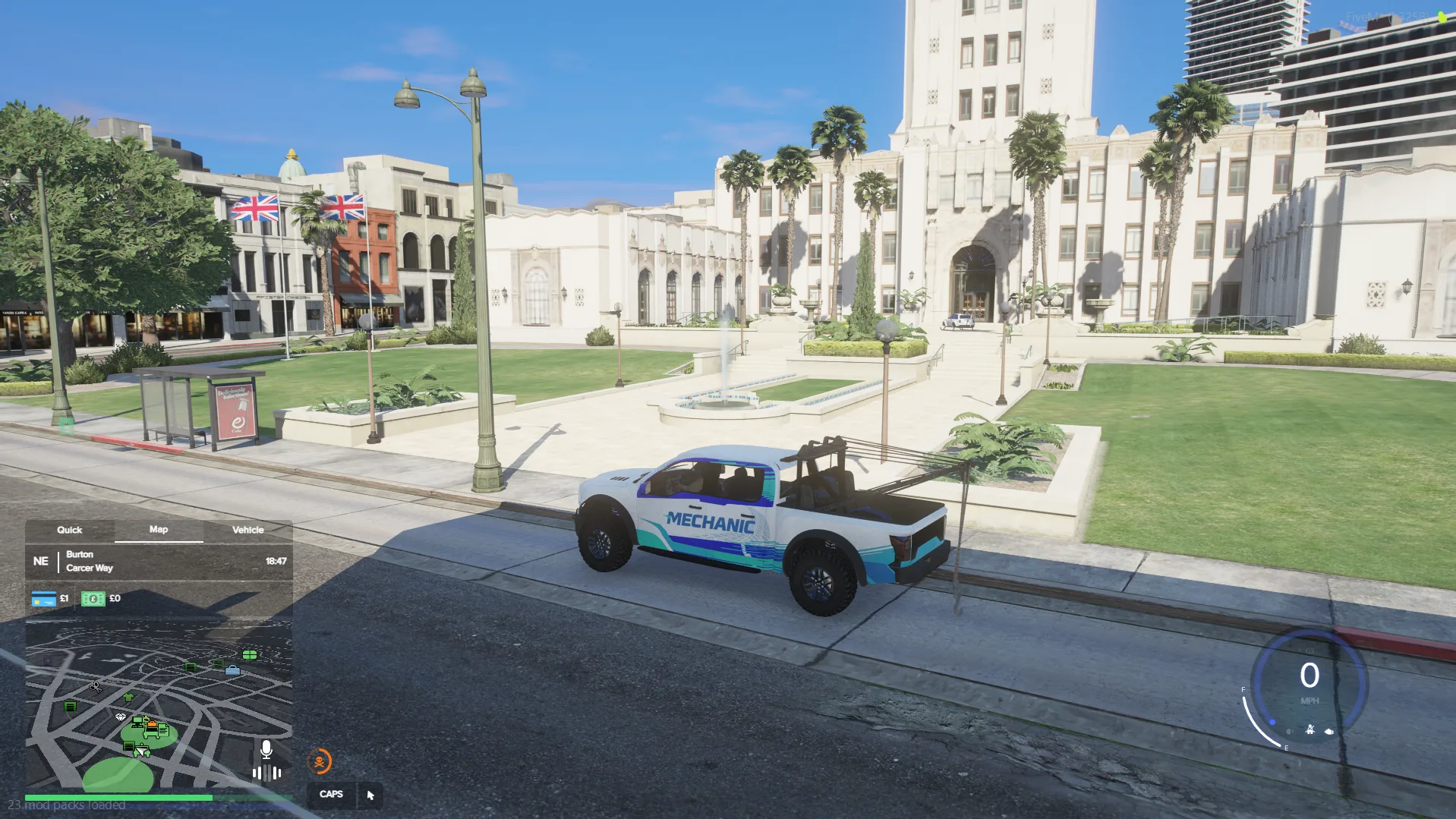
- You will receive a free starter tow truck
To use it:
- Head to the nearest garage
- Spawn your tow truck
📋 Step 3 - Start a Job
- Get in your tow truck
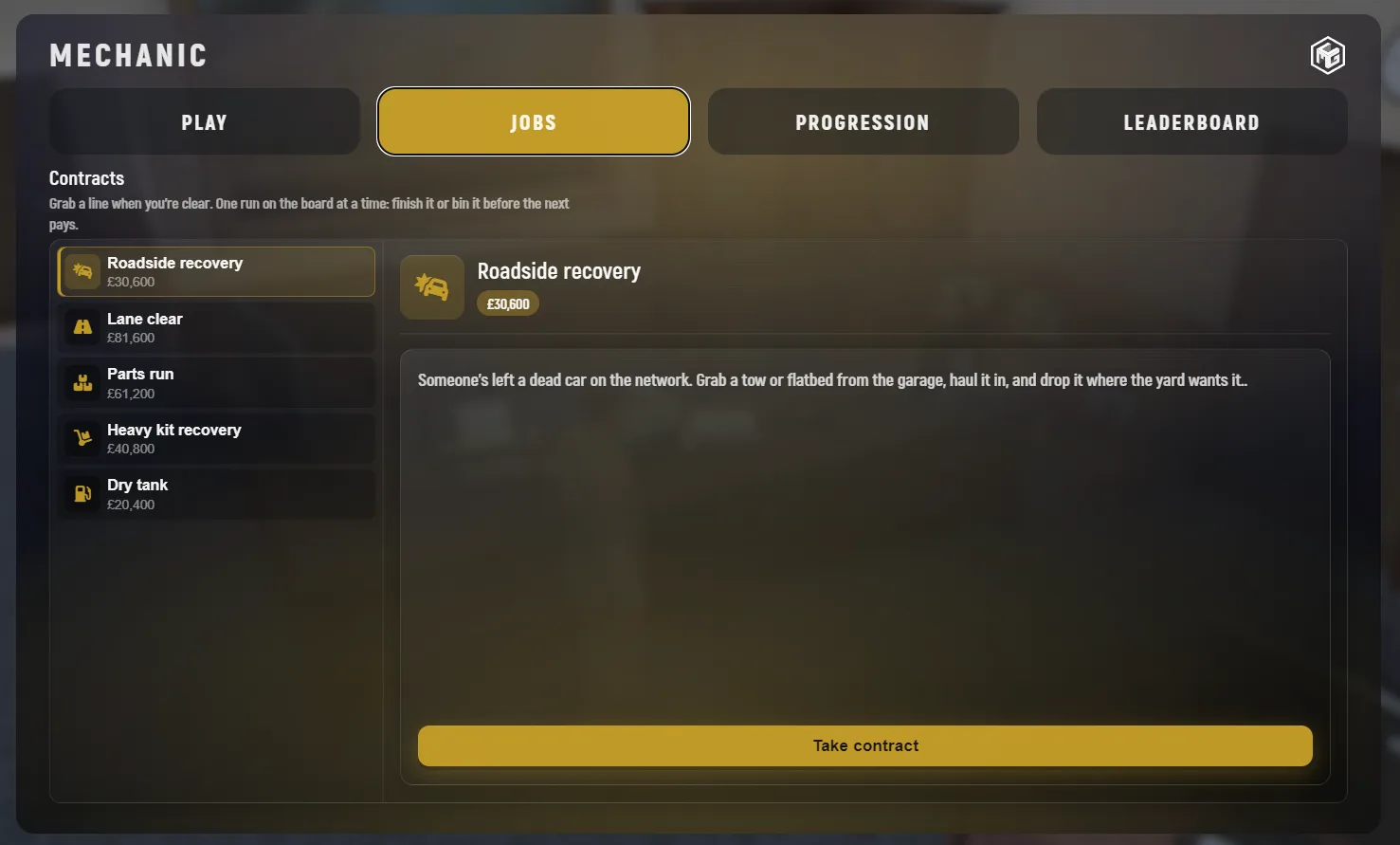
- Press F6 to open the Job Menu
- Go to the Jobs tab
- Choose a contract from the list
- Click Take Contract
⚠️ Important:
Some jobs may require specialised vehicles always read the job description before accepting.
📍 Step 4 - Drive to the Location
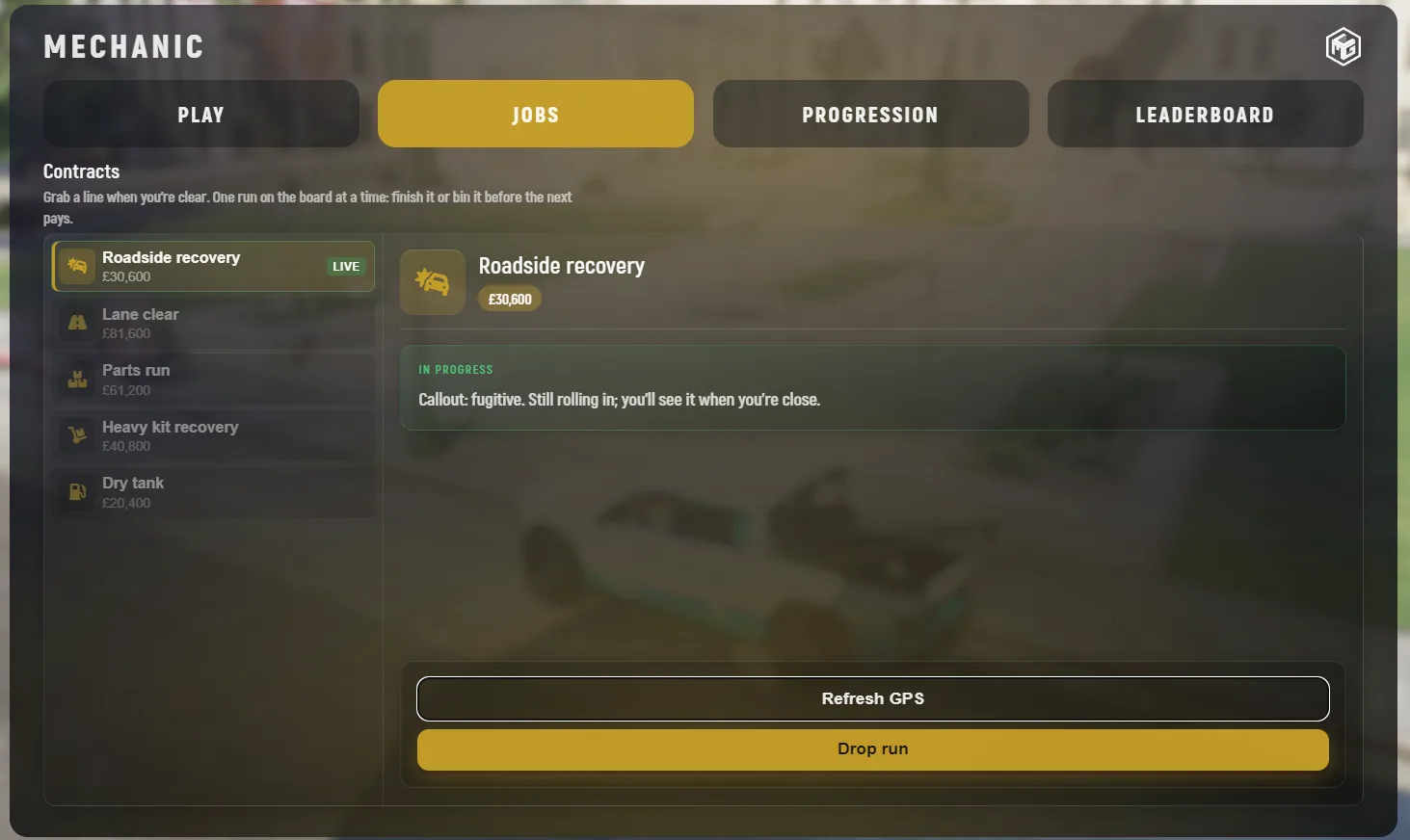
- A marker will appear on your map
- Drive to the marked location
👉 This is where the abandoned vehicle will be.
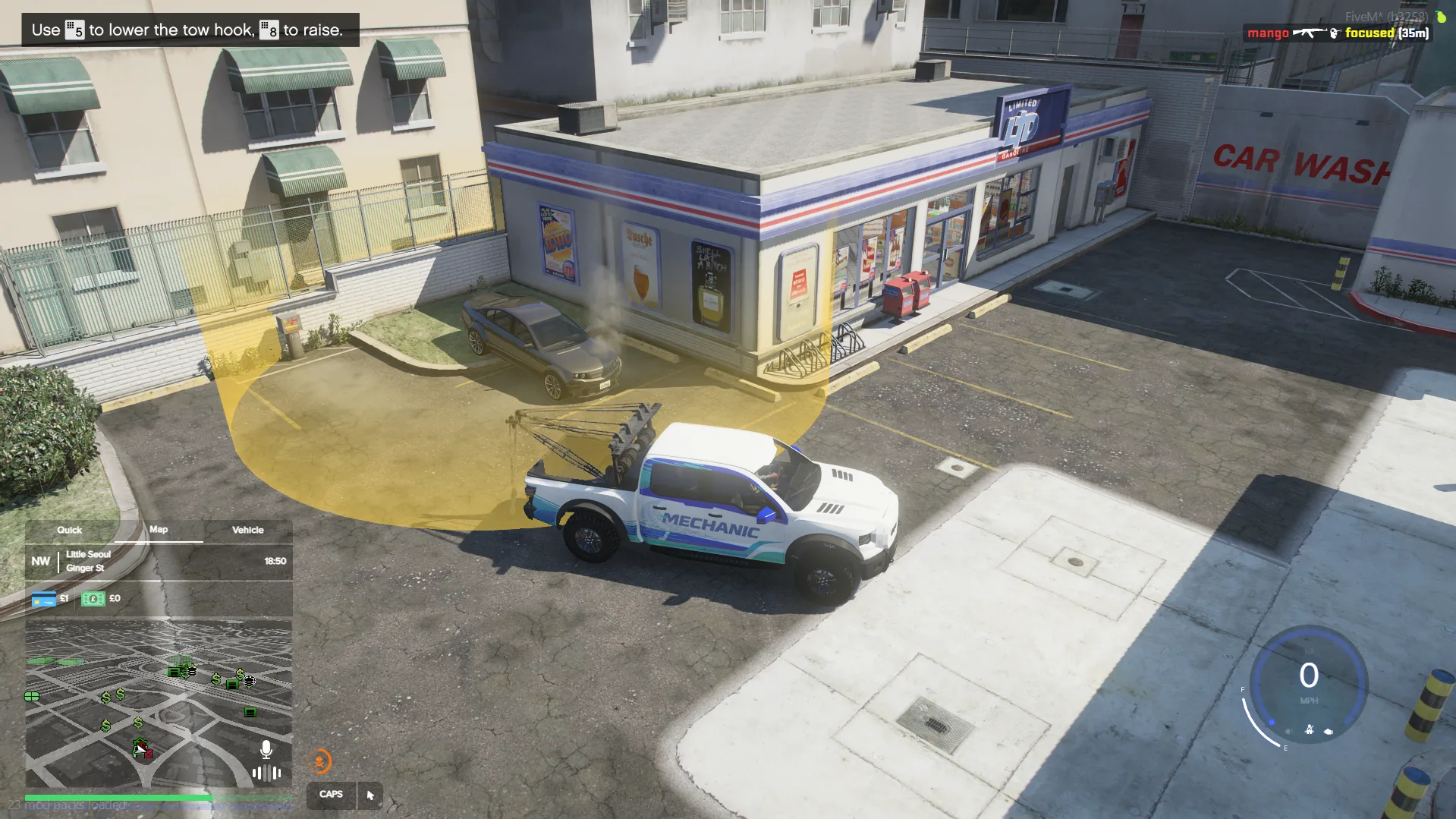
🔗 Step 5 - Hook the Vehicle
Once you arrive:
- Position your tow truck near the vehicle
- Line it up carefully
- Use:
- Numpad 5 & 8 → Raise / lower the tow hook
👉 Attach the vehicle securely before moving.
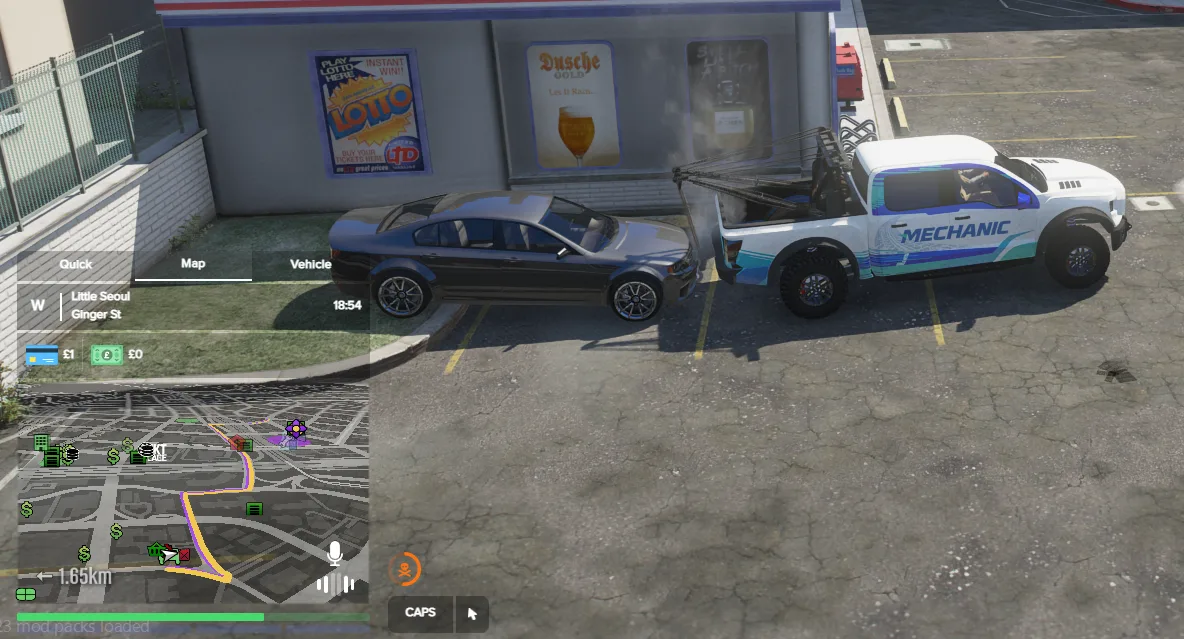
🚛 Step 6 - Deliver the Vehicle
After hooking:
- A new drop-off marker will appear
- Drive to the new location
- Park in the highlighted green area
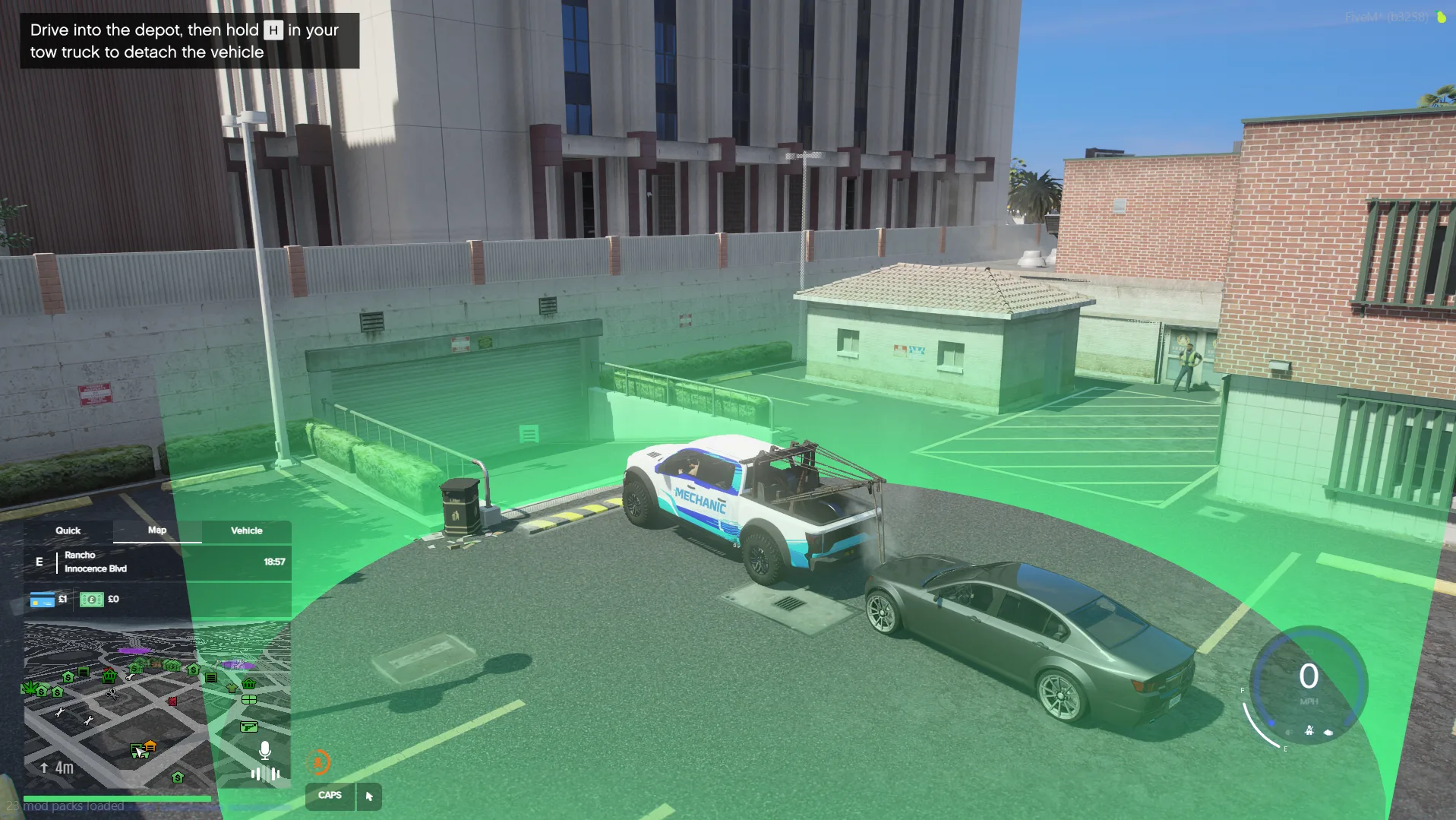
📦 Step 7 - Complete the Job
- Hold H to release the vehicle
- The job will complete
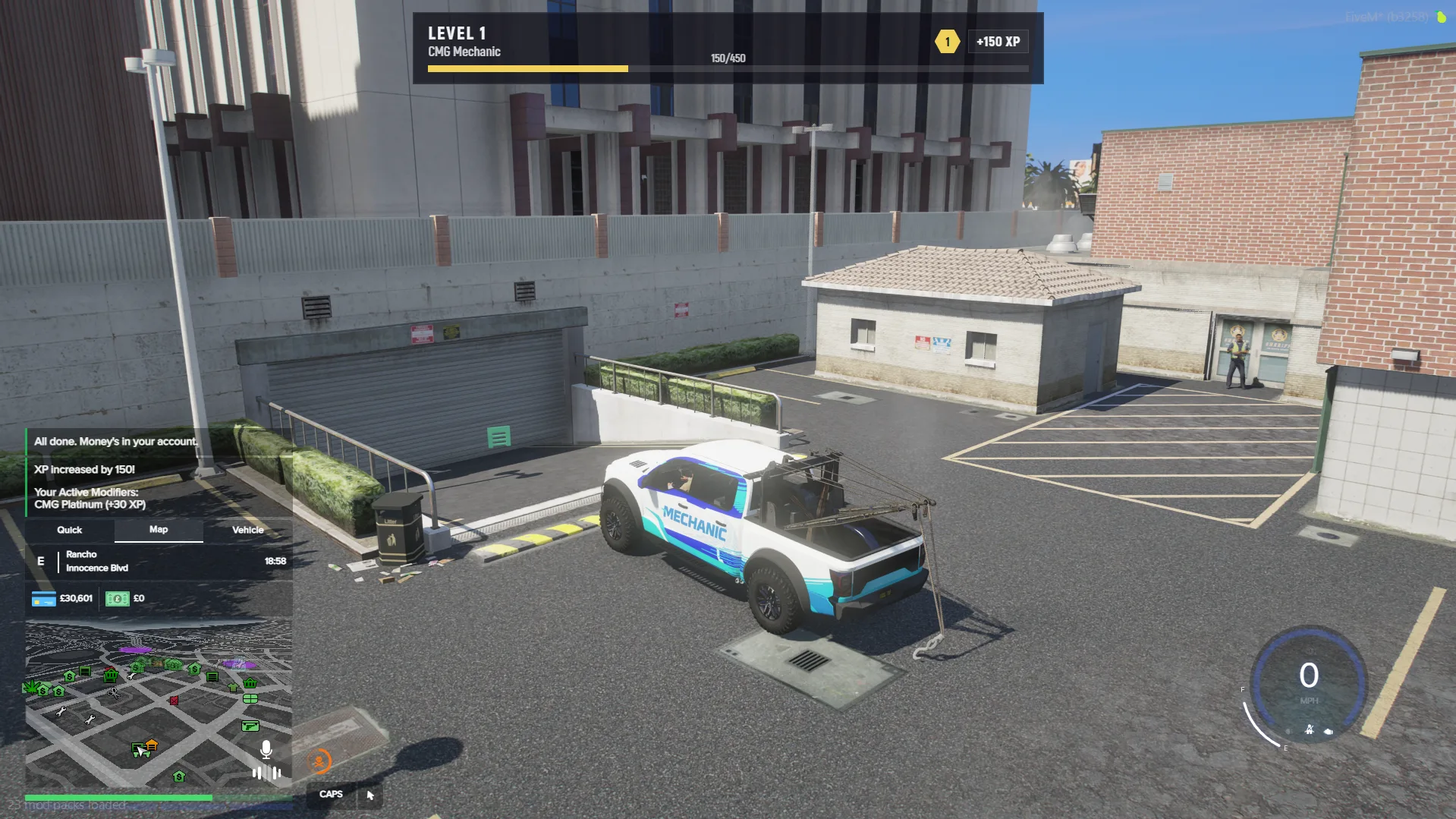
🎉 You’ve successfully finished your first Mechanic contract!