
Vehicle Guide
Drivers License:
For a more detailed guide on how to get a drivers license check out the guide below!
Simeons
Buying a car from Simeons
Simeons has a wide variety of Cars, Bikes and Vans. These all have different prices ranging from £2000 to £5,000,000. This is also where you can get your whitelisted faction cars for PD, NHS, LFB and HMP.
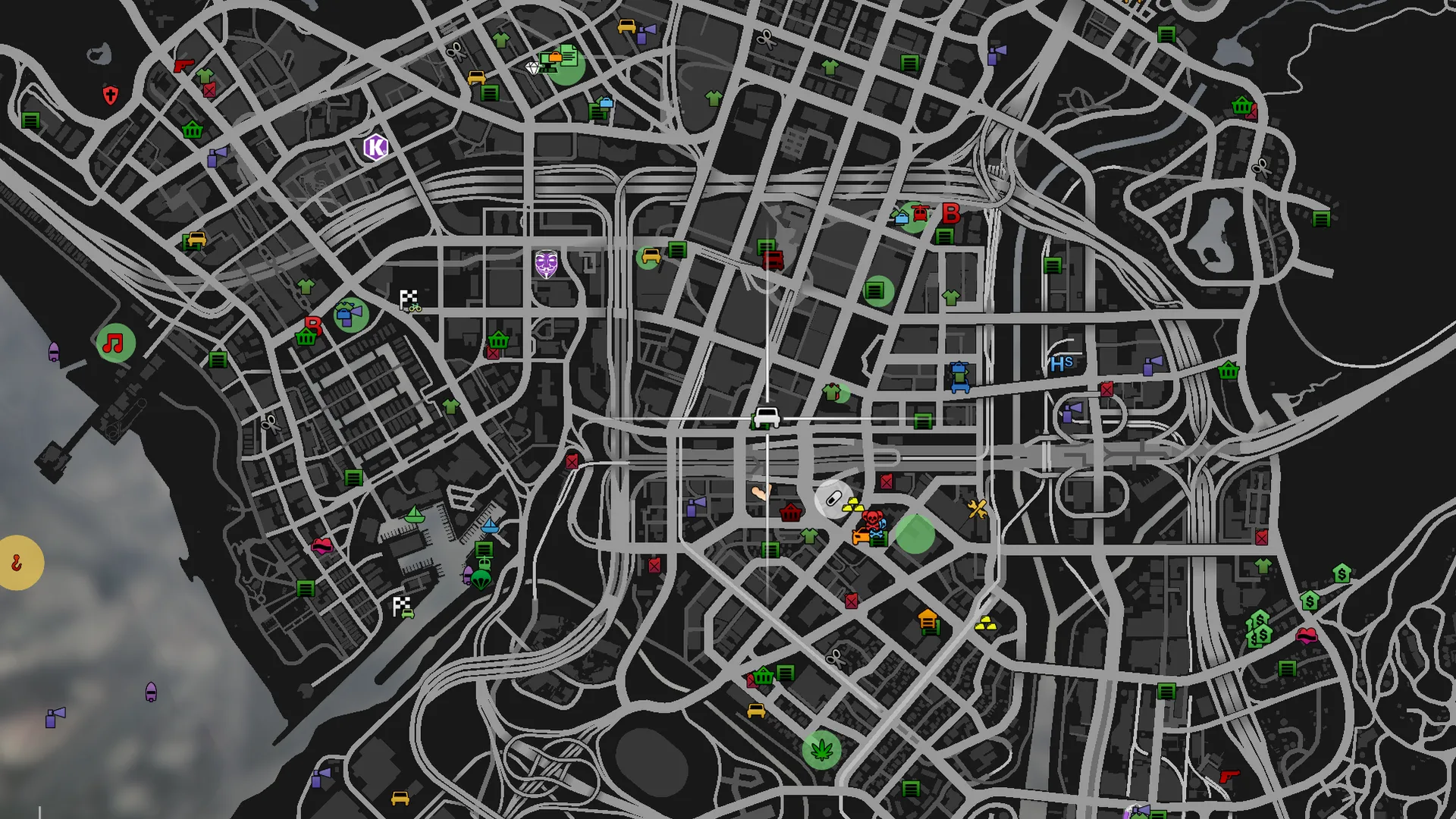 Simeons Dealership Location
Go inside the dealership and head over to the green $ Here you can go through all the categories
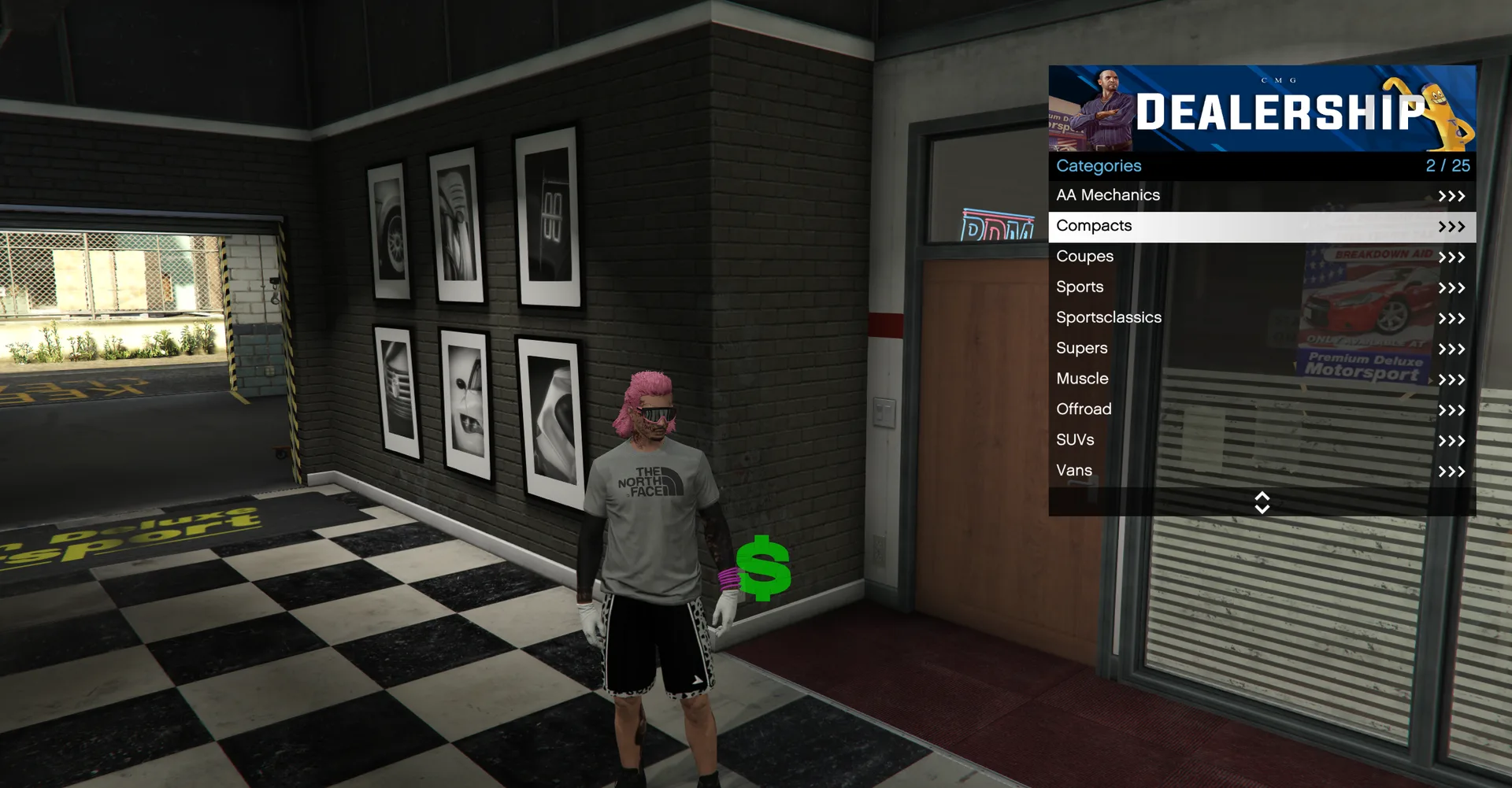
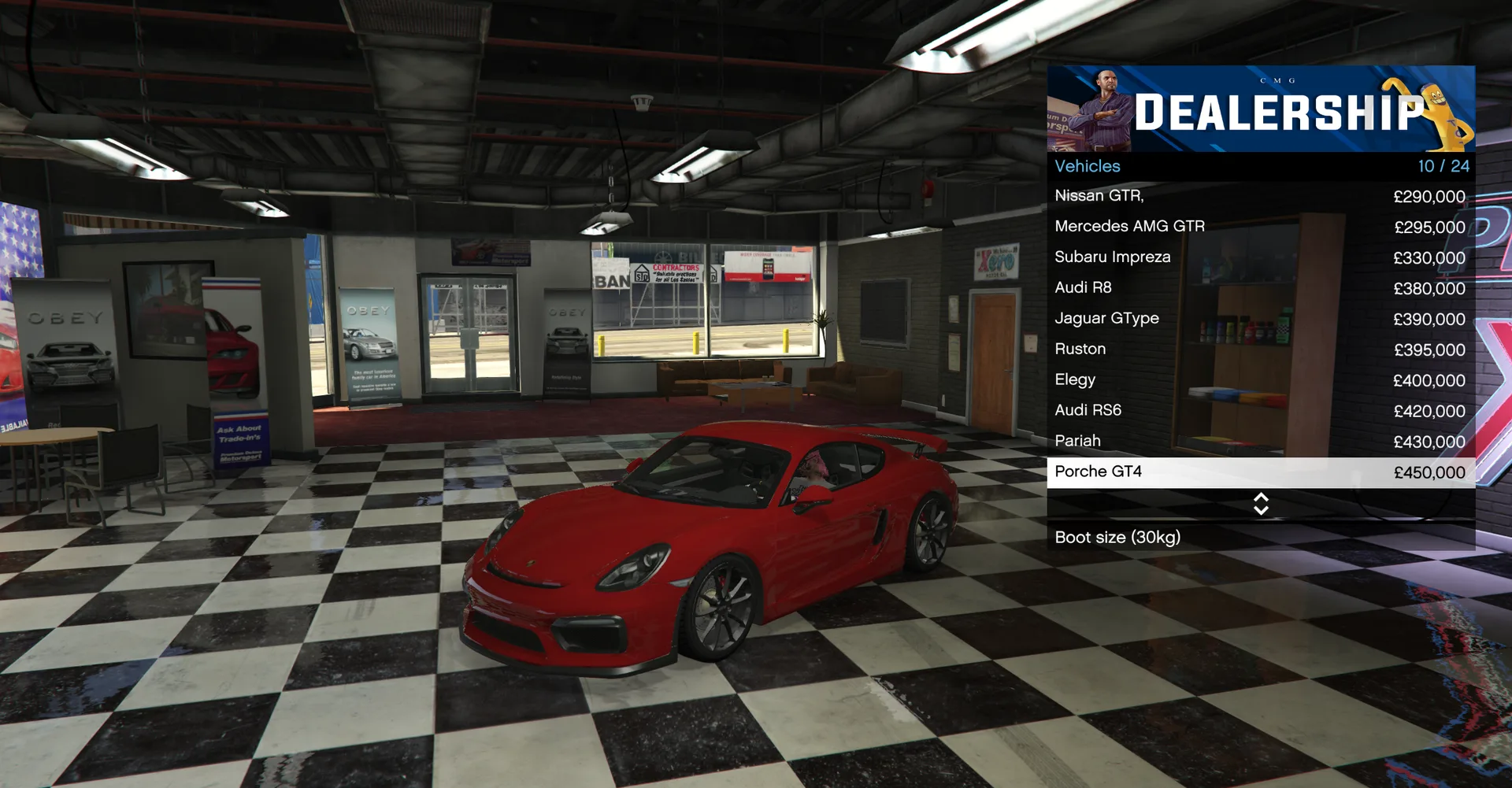
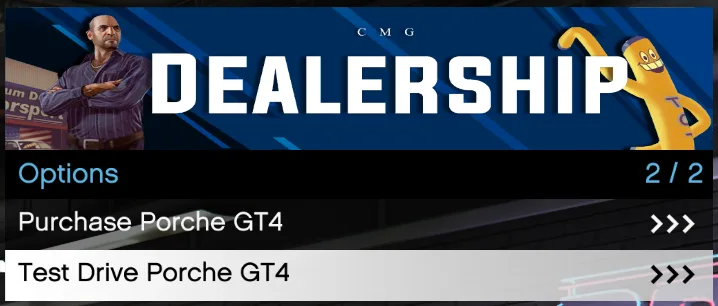
Once you have found a vehicle you can either purchase the car or test drive it.
Buying a Car
Buying a car from another player:
- First step is agree with the person the price you want to pay for the car.
- They will select the car that you agreed on and sell it to you for 'x' amount.
- You will see a message pop up at the bottom of your screen as shown below.
- Once this message appears you have five seconds to deny uisng
-or accept the deal using= - Finally once you press accept the car will transfer into your garage free to use.

Selling a Car
Selling a car to another player:
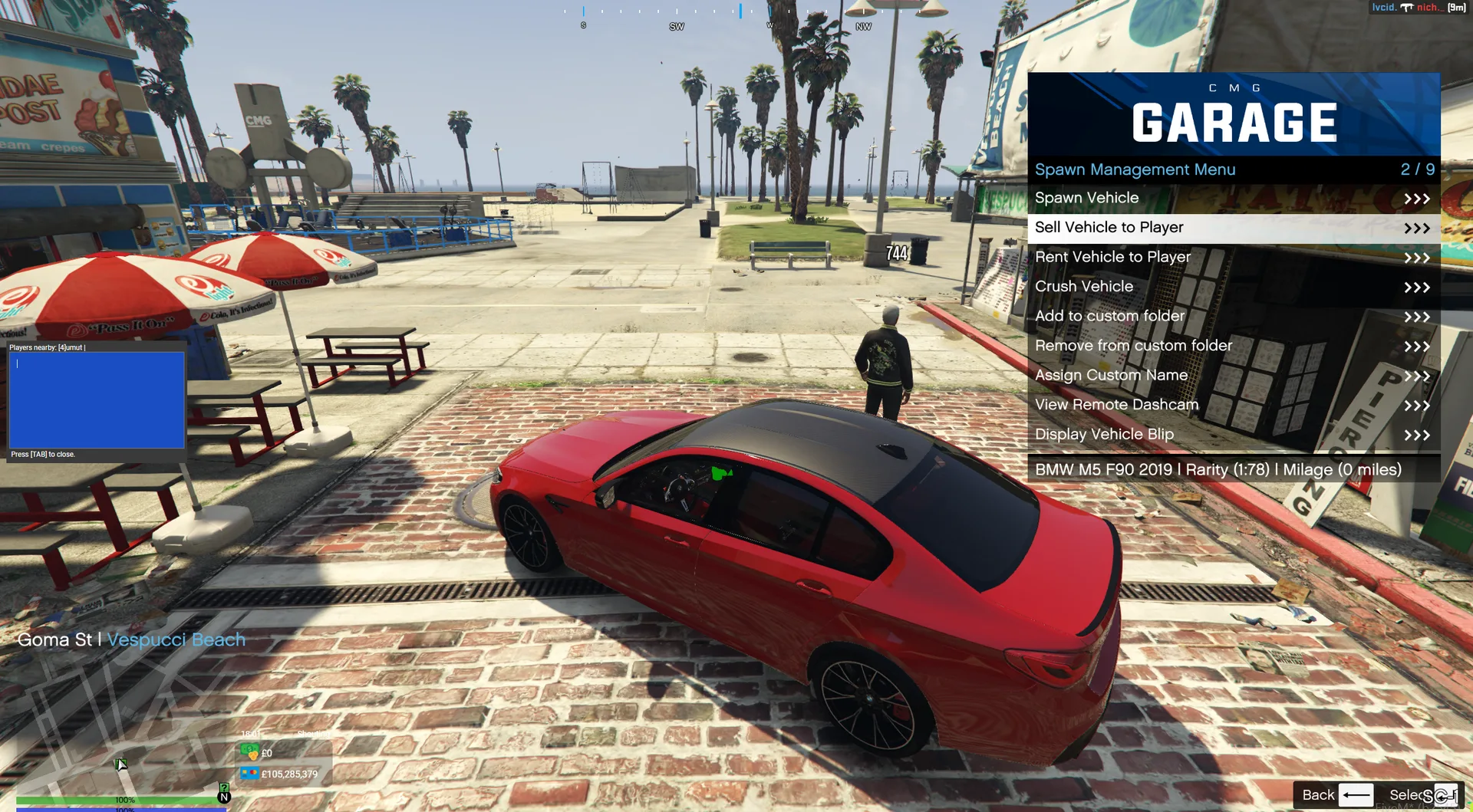
- Find the car you want to sell
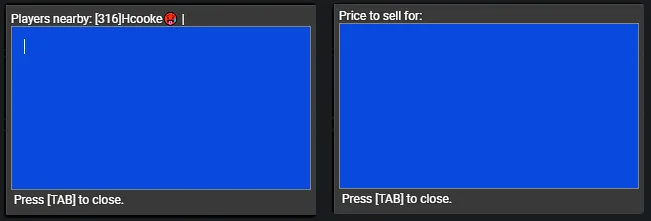
- First step is to enter their Perm ID (Press TAB to confirm)
- Secondly is to enter the amount (Press TAB to confirm)
- Once this goes through they will get the message to accept or deny
Garage > [Car Name] > Sell Vehicle to Player
Renting a Car
Renting a car to another player
In order to rent a car you will follow the same process to sell a car except you will be asked the amount of hours you would like to rent the vehicle for example if you wanted to rent the car for 3 days then you would input 72 meaning 72 hours.
It will then prompt you for the amount of money you want to request for the rental. Finally it will show a rental agreement in the final prompt where you then need to remove all text and input YES in order to send the rental agreement to the player.
Once the car has been rented for the 72hours in total it will be automatically returned to your garage as the person who owns the vehicle. Whilst rented the person cannot Sell or Crush the vehicle and there is no danger in renting your vehicles.
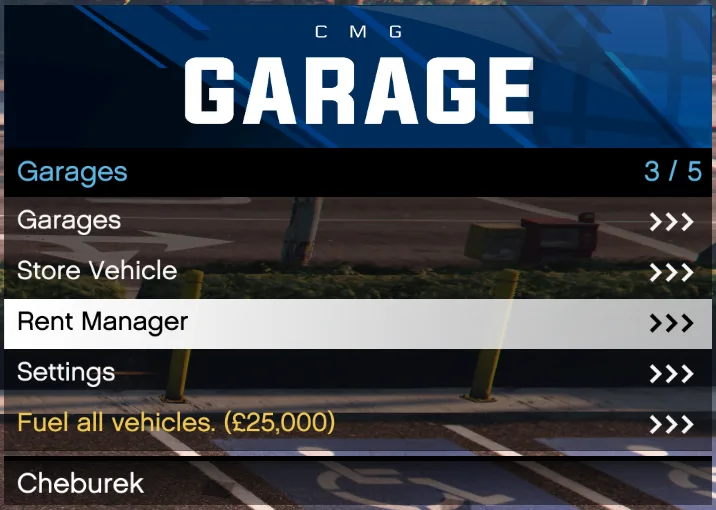 You can manage your rented cars in the garage menu
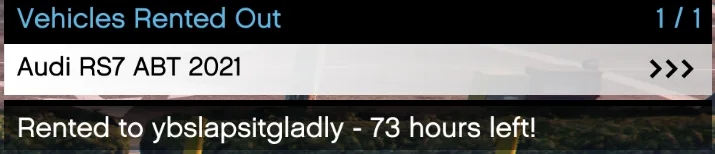 Click on the car
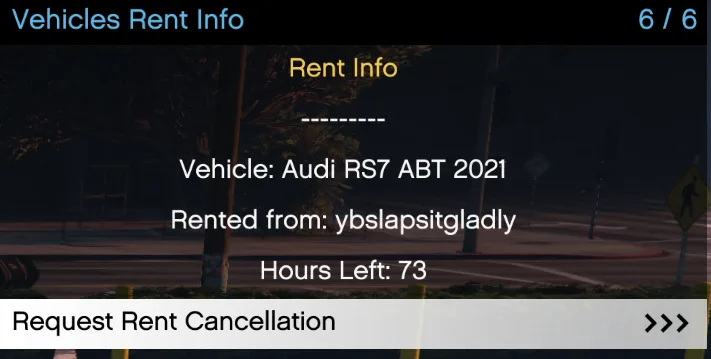 Here you can request to cancel the rent
Storing a Vehicle
Storing a vehicle prevents it from being lockpicked and allows you to pull it out from another garage:
1. Locate a garage on your map, these are indicated by a  icon.
icon.
2. Set a waypoint and drive towards the closest garage.
3. Upon arriving, a green car marker will indicate the location of the garage.
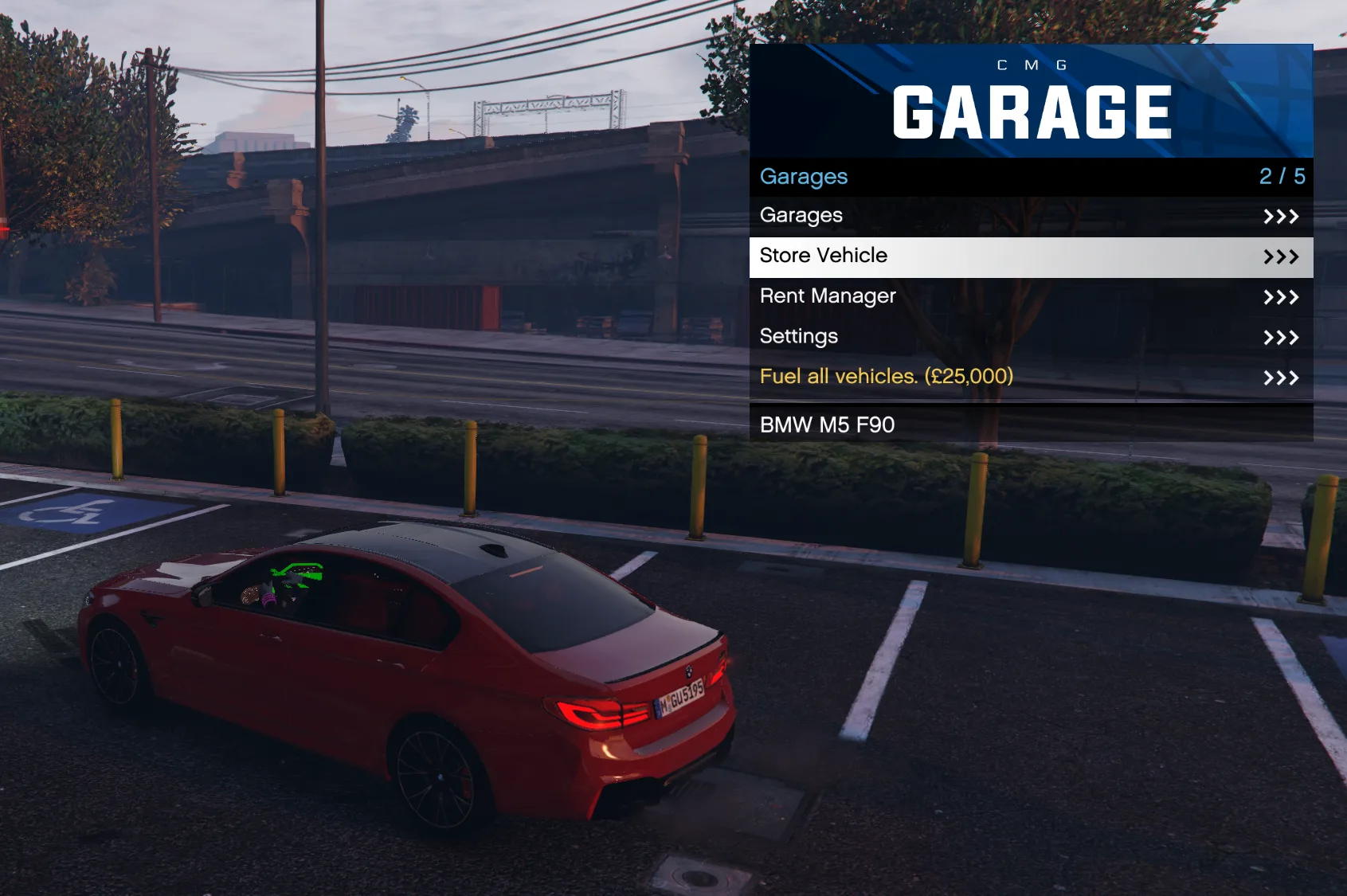
4. Drive into the marker and a menu will appear. Select the Store Vehicle button to store.
Vehicle Interaction Menu
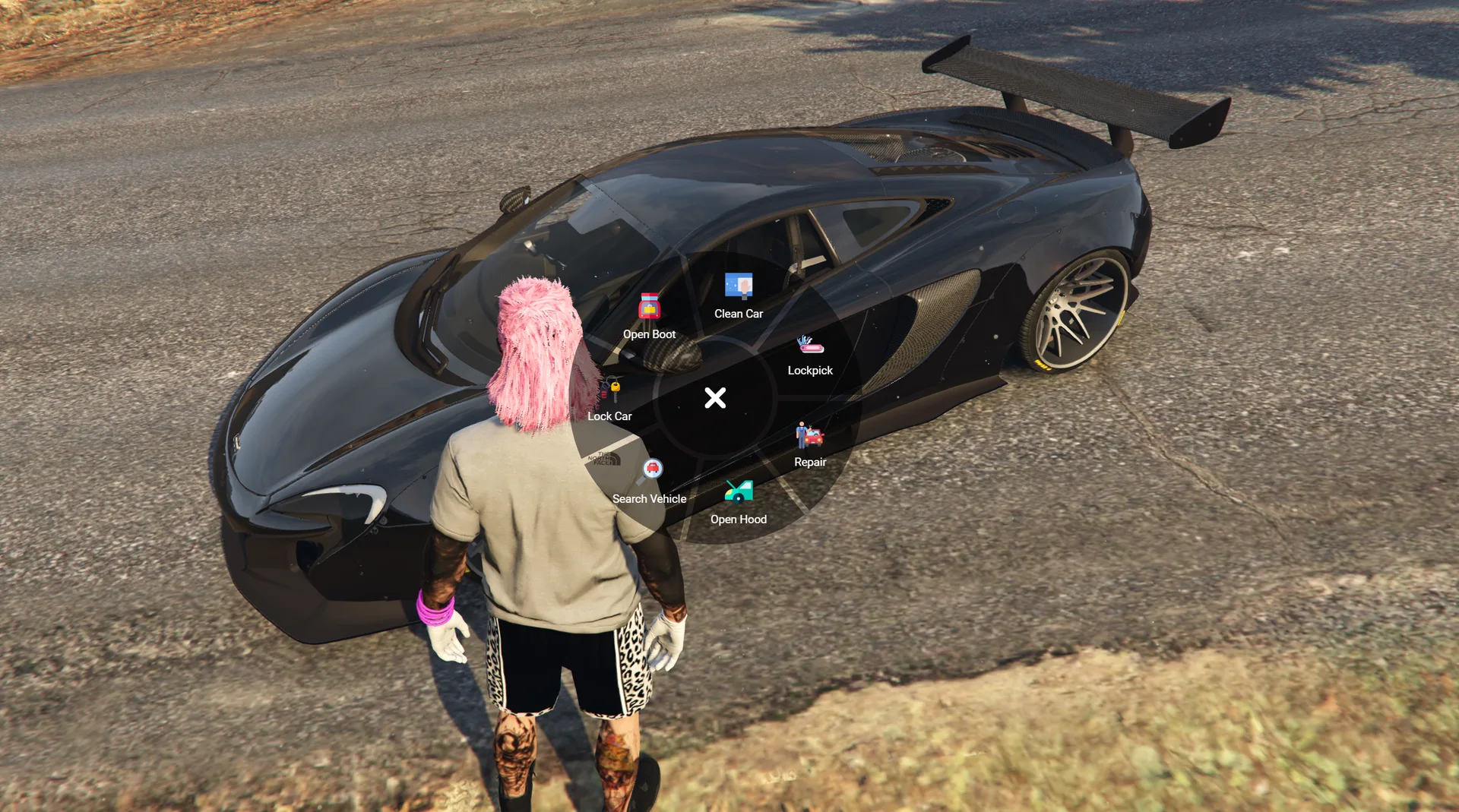
Press [E] on the vehicle and the interaction menu will appear